AI Furniture Remover
Remove furniture or clutter from room photos with AI.
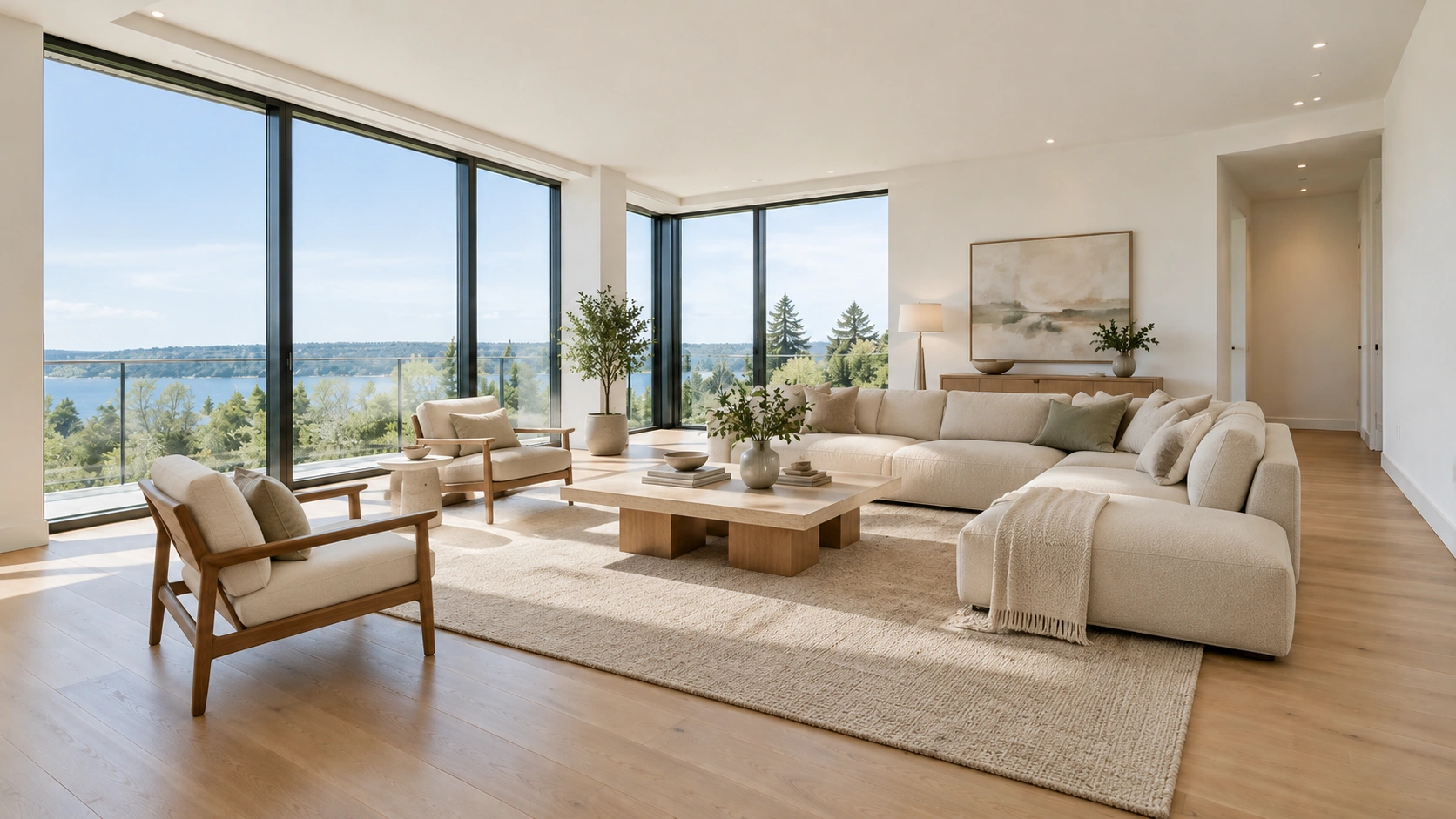
How to Use AI Furniture Remover
Remove furniture from room photos in three simple steps.
Upload Your Room Photo
Upload a photo of a furnished living room, bedroom, or other interior space.
Remove Furniture with AI
Let AI remove unwanted furniture while preserving the original room layout and architectural features as much as possible.
Preview and Download
Review your empty-room image and download it for property marketing, interior design, or virtual staging.
Why Choose Our AI Furniture Remover?
Powerful AI that removes furniture while keeping your room structure intact.
Remove Furniture from Photos
Remove sofas, beds, tables, chairs, and cabinets from room photos to create a more open, uncluttered space.
Create Empty-Room Images
Turn furnished interiors into empty-room visuals for redesign planning, renovation concepts, and alternative furniture layouts.
Preserve Room Details
Keep walls, floors, windows, doors, and other architectural features as consistent as possible while AI reconstructs areas covered by furniture.
Prepare Rooms for Virtual Staging
Start with an empty-room image before exploring new furniture and decor. Continue with our Virtual Staging AI to create alternative interior designs.
Improve Real Estate Listing Photos
Prepare room images for property listings, rental advertisements, and real estate presentations without distracting furniture.
Simplify Interior Photo Editing
Remove unwanted furniture online without complex manual editing. Start with an existing room photo and generate a cleaner visual with AI.
AI Furniture Remover Showcase
See how AI Furniture Remover transforms furnished rooms into clean, empty spaces across different room types.
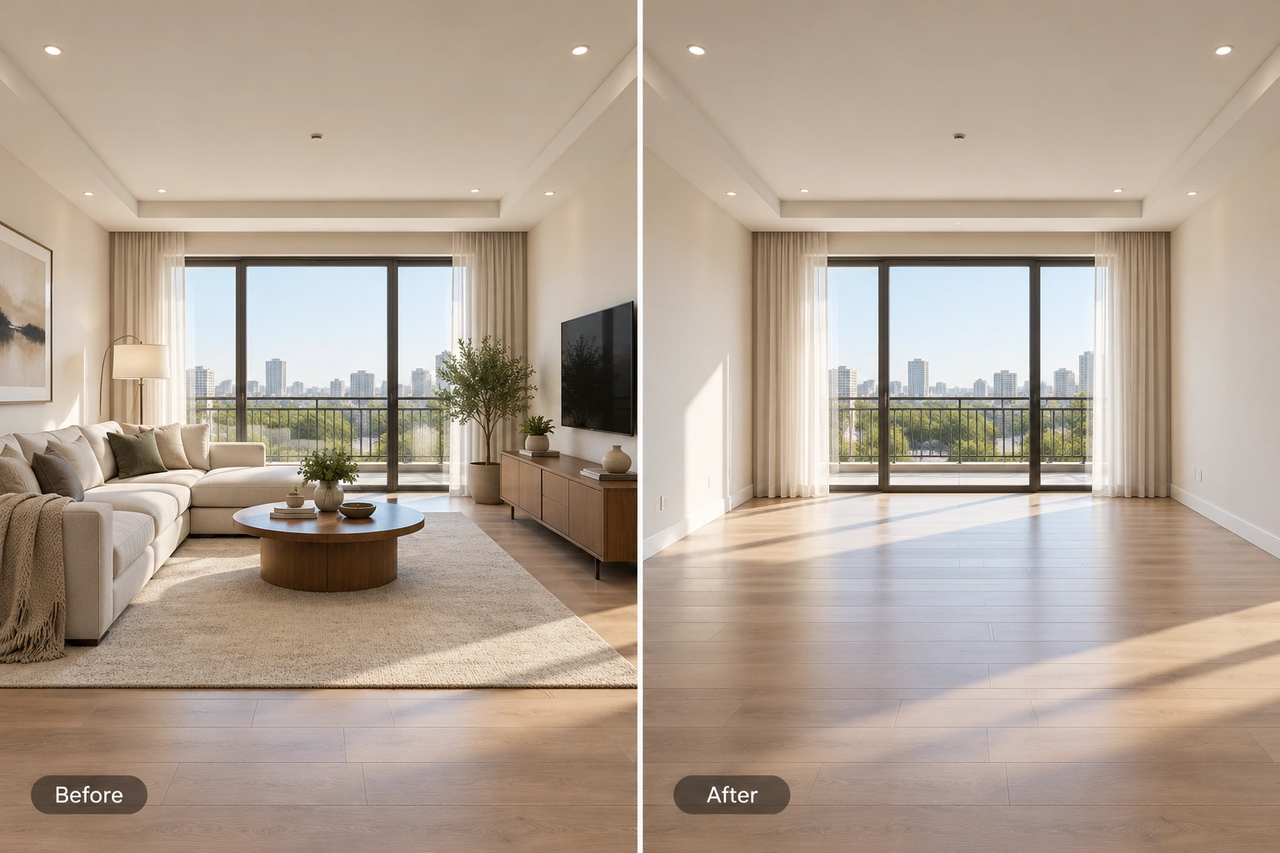
Living Room Furniture Removal
Remove sofas, coffee tables, and TV cabinets to create a clean living room image for property marketing or redesign.
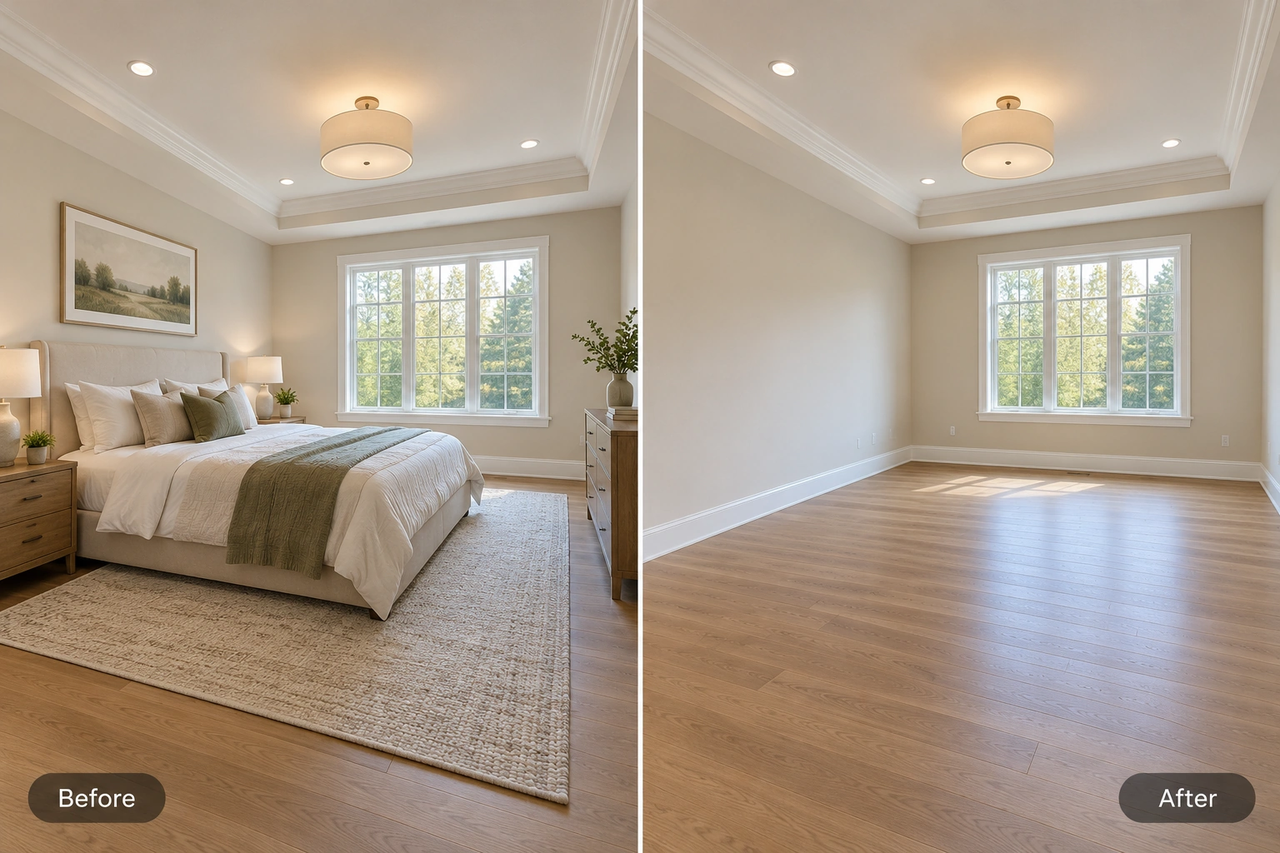
Bedroom Furniture Removal
Clear beds, bedside tables, and dressers to visualize an empty bedroom ready for new furnishings.
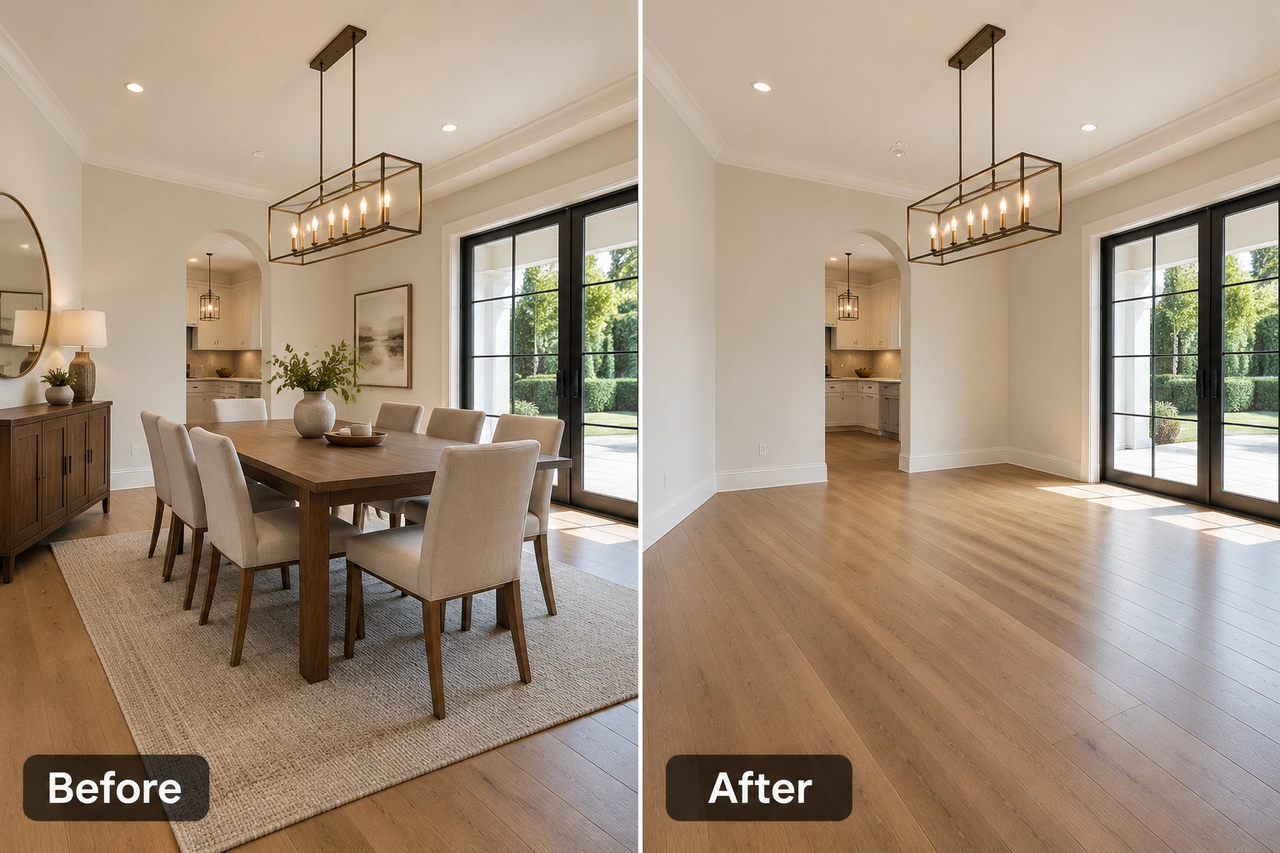
Dining Room Furniture Removal
Remove dining tables, chairs, and storage furniture to prepare dining areas for new design concepts.
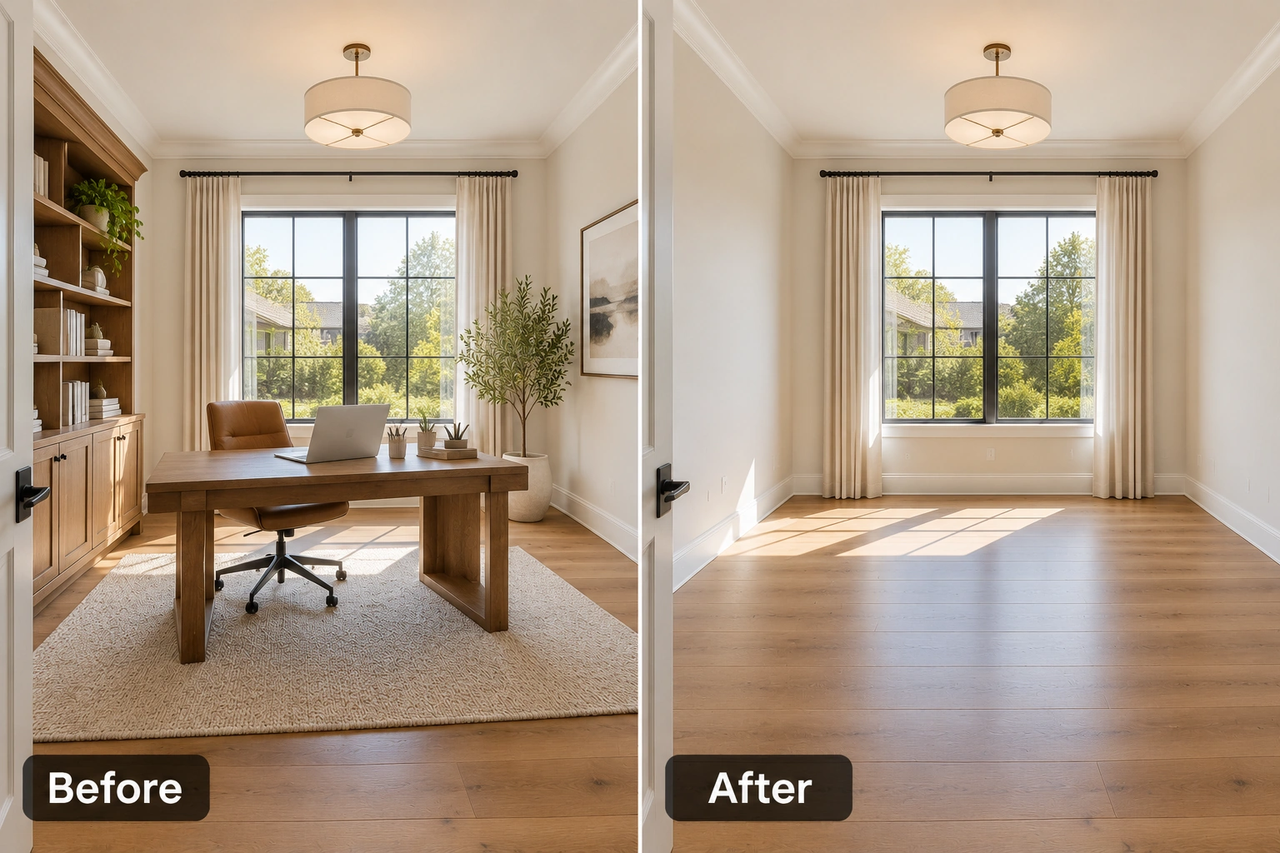
Home Office Furniture Removal
Clear desks, office chairs, and shelving to create an empty workspace for alternative layouts.
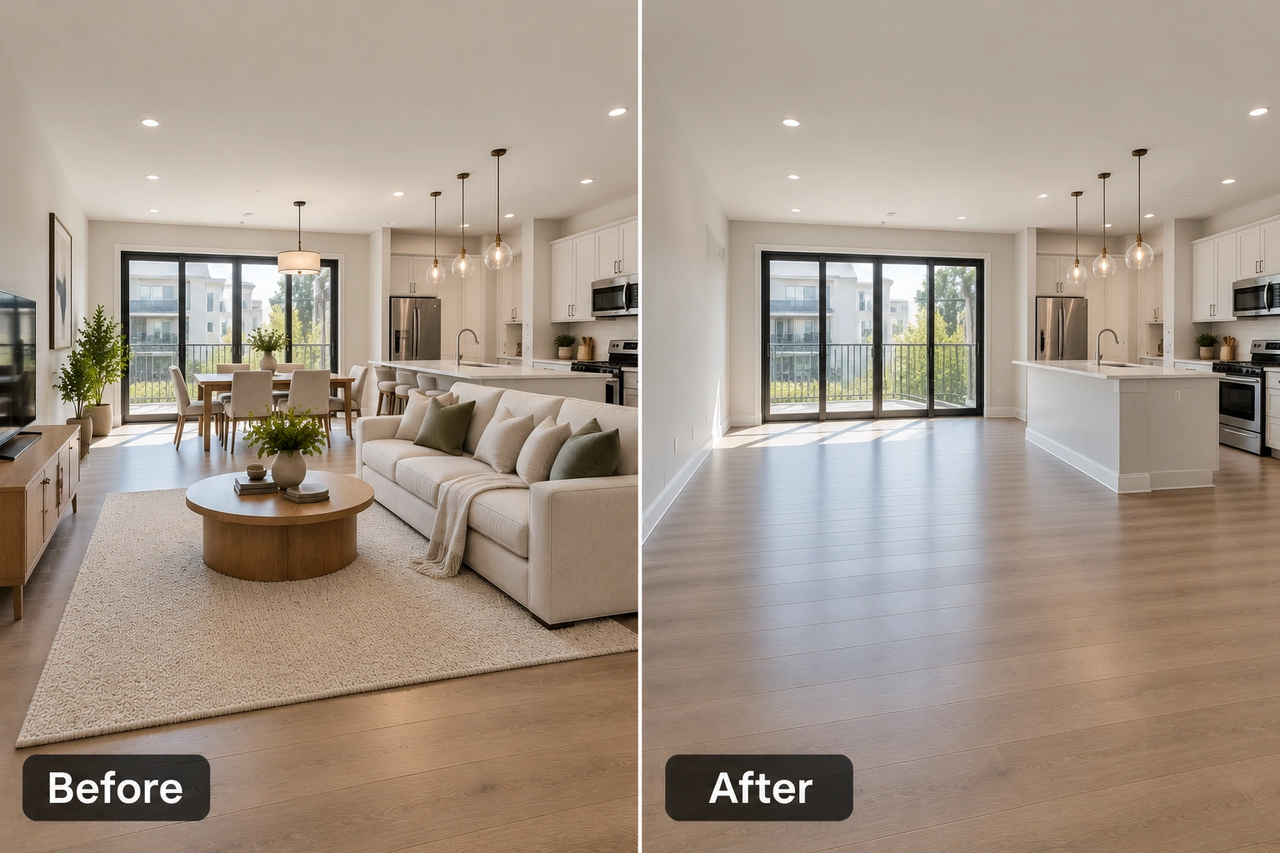
Rental Property Photo Cleanup
Remove unwanted furniture from rental property photos to prepare interiors for new tenants or furnishing plans.
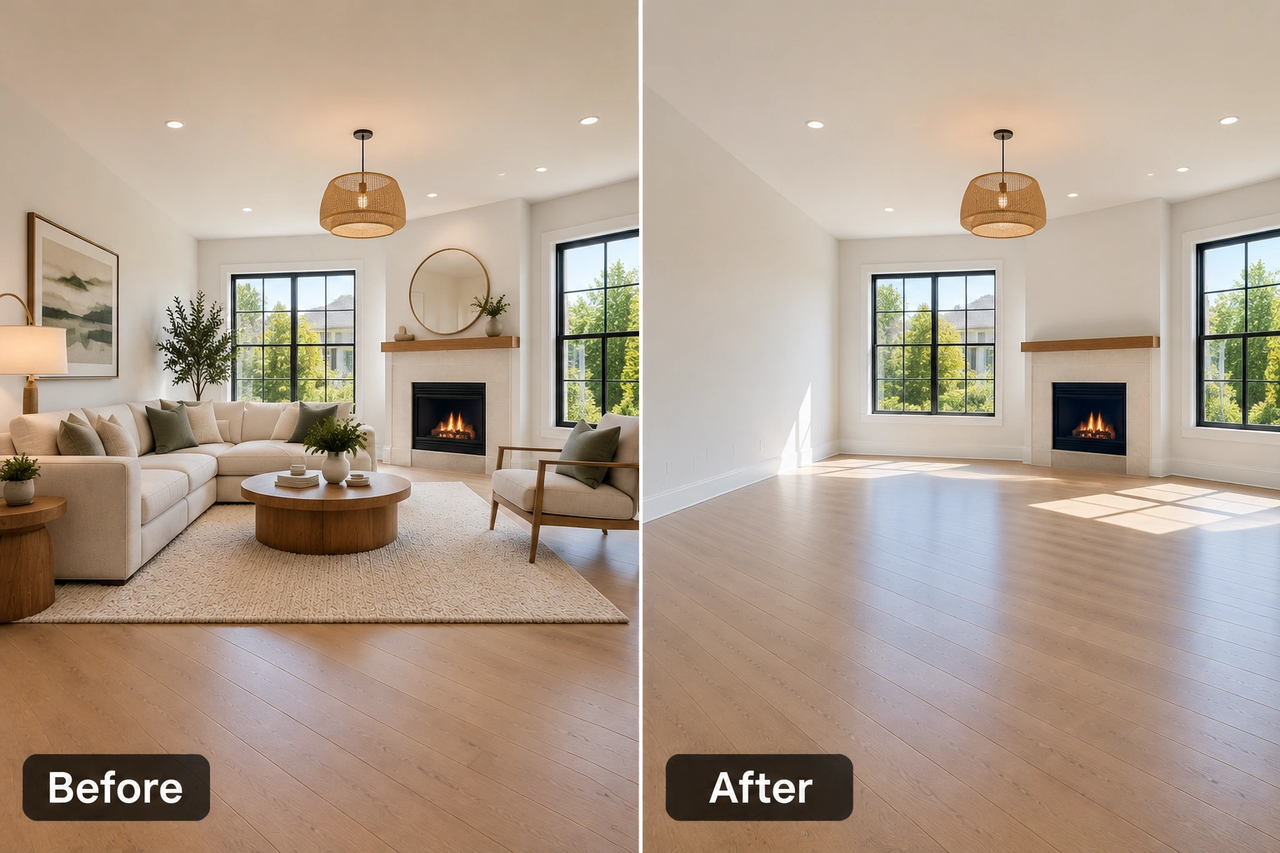
Empty Room for Virtual Staging
Create an empty-room image before adding new furniture and decor with Virtual Staging AI.
What Users Say
Removing furniture from property photos is so easy with this tool. It helps me prepare cleaner listing images and present spaces in a more flexible way.
I love being able to start with an empty room image. It makes exploring new furniture layouts and interior design ideas much easier.
The results give me a better idea of how my space could look without the existing furniture. It's a helpful starting point for planning a room makeover.
Frequently Asked Questions
Answers to common questions about AI furniture removal.
What is an AI furniture remover?
An AI furniture remover uses artificial intelligence to remove furniture from room photos and reconstruct the areas behind it, creating an image of a more open space.
How does an AI room cleaner work?
Can I remove all furniture from a room photo?
Will AI preserve my original room layout?
Can I use an AI room cleaner for free?
Can I use empty-room images for virtual staging?
What types of room photos work best?
What is the difference between an AI furniture remover and an AI room cleaner?
Create an Empty Room with AI
Remove unwanted furniture and prepare your space for a new design. Upload a room photo and create a cleaner interior image with AI.